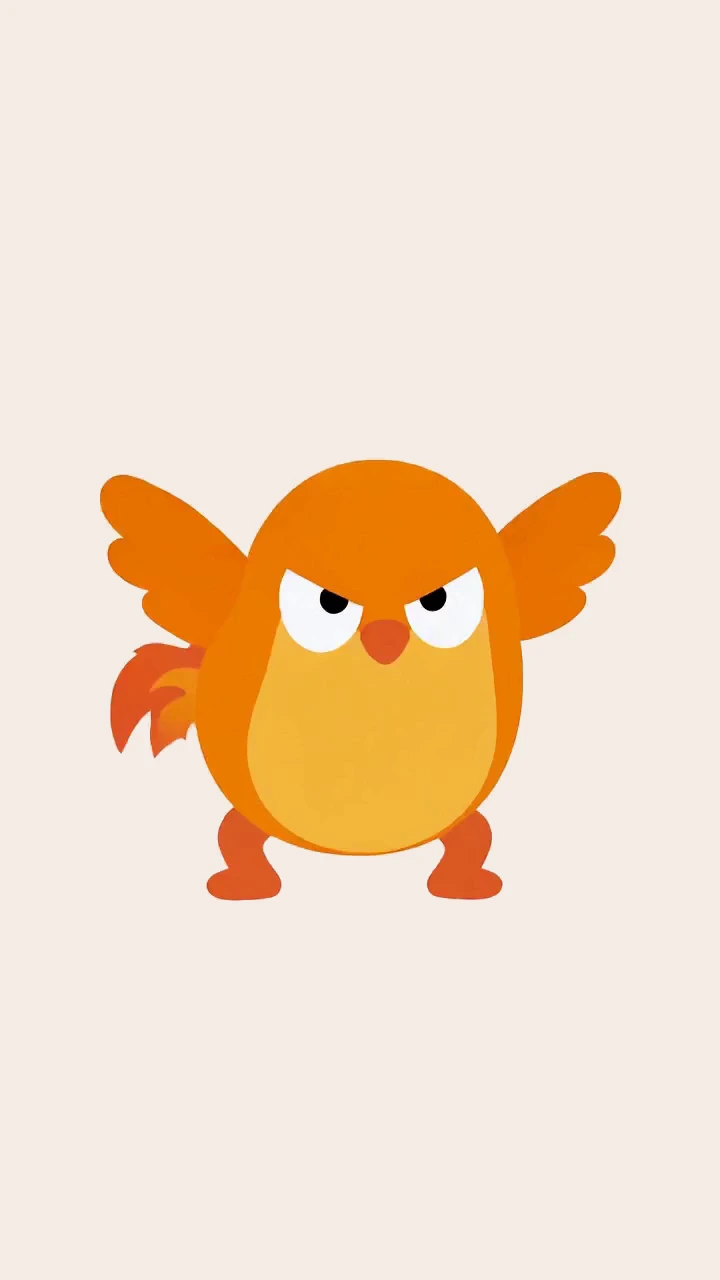

Character sequence
Wake up
61 sampled cels · 12 fps SVG
Video-to-vector animation for Mac
Turn a clip into vector shapes. Refine the paths, direct the motion and export your animation — all in one Mac app.
7 days free · €9.99 once · no subscription
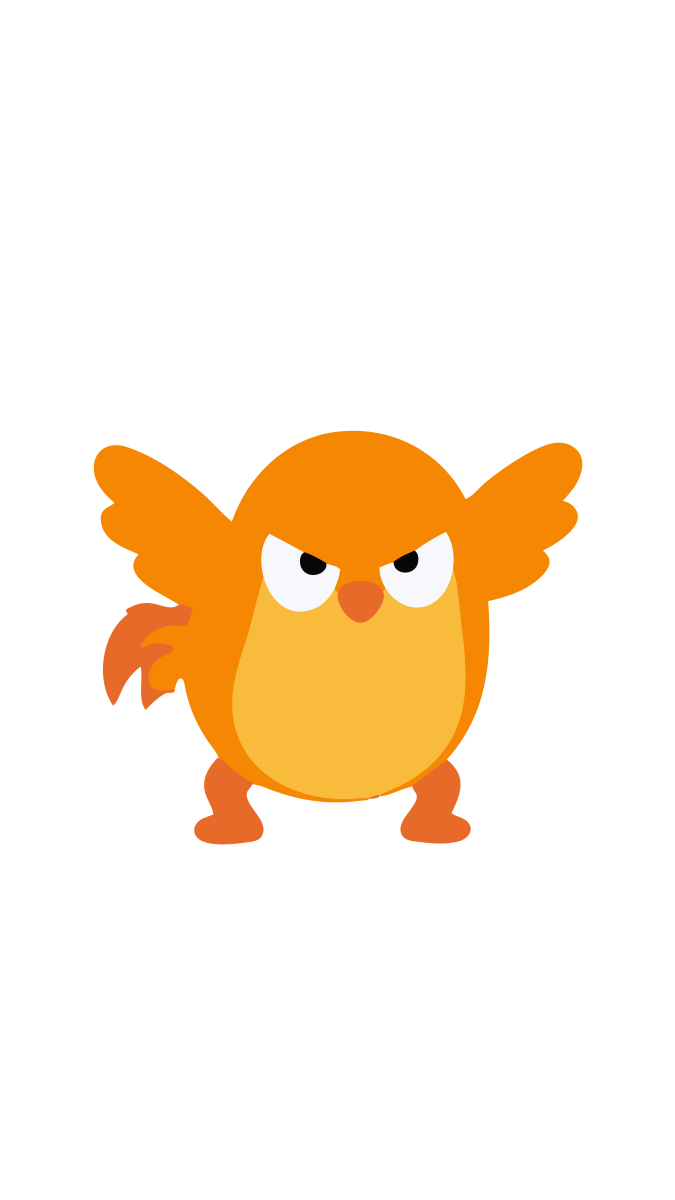
121 cels24 fps05.04s The product film
44 seconds · no sound
Vectorize. Edit. Animate. Export.
The film did not load. Try again or open it directly.
Open the video directlyInside the FireFly demo
Made with Kynelo
Watch each clip become an animated SVG. Switch between the source video and the vector result to see the difference.
61 sampled cels · 12 fps SVG

61 sampled cels · 12 fps SVG

48 sampled cels · 12 fps SVG
FireFly, frame by frame
Move through the clip. Every frame is a set of editable shapes, ready to reshape or animate.
121 editable frames at 24 fps.

03.33s
Inside the editor
The same 121-cel FireFly project stays inside Kynelo from its first Bézier edit to connected bones and transparent delivery.
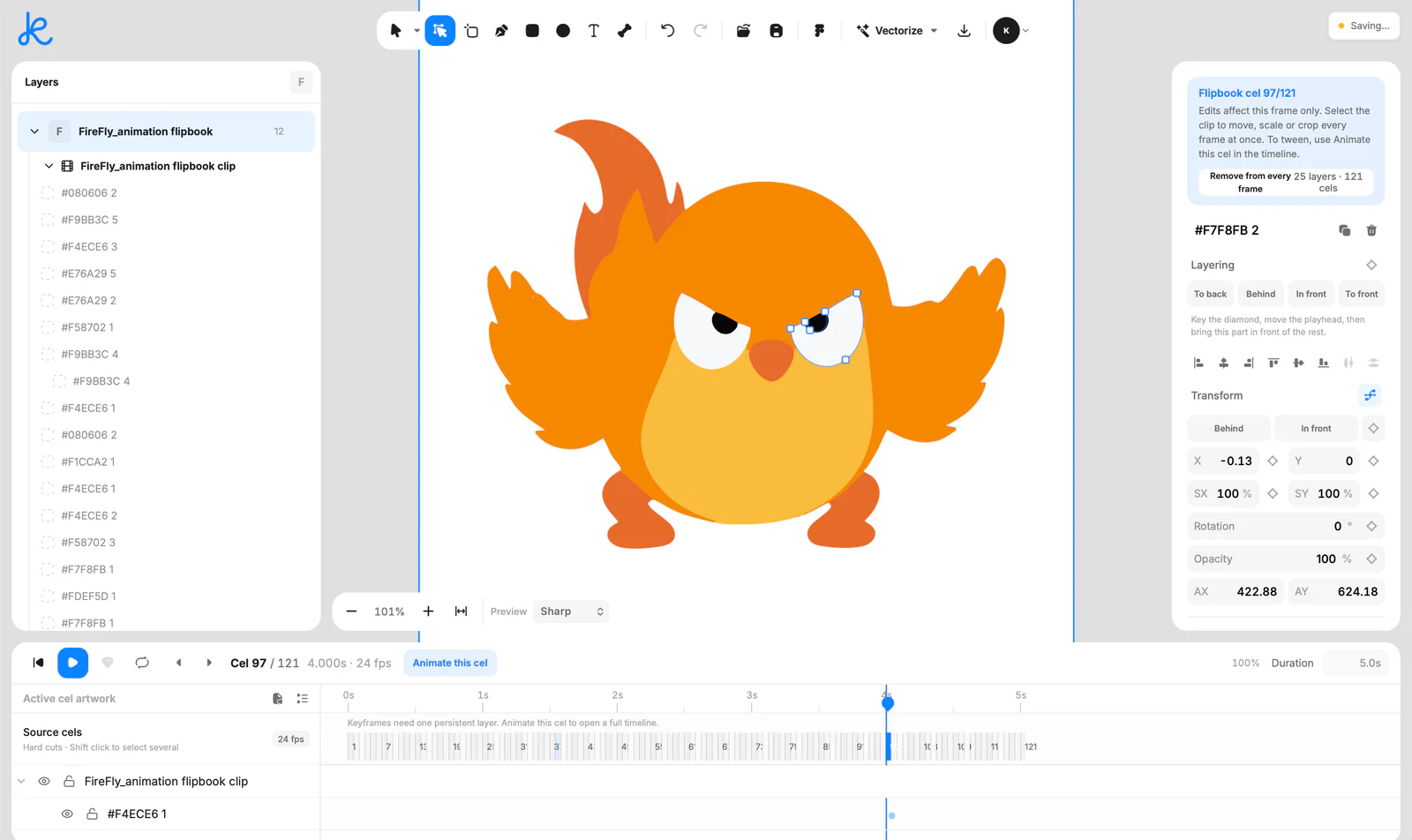
01Edit
Select one clean shape, reshape its Bézier points, reorder its layer or remove it from one cel or the complete flipbook.
FireFly, frame 97. Editing the eye path.
02Keyframe
Promote a cel to a persistent layer, then keyframe position, scale, rotation, opacity or path and tune the easing.
Illustrated demo · Position, rotation and scale on separate tracks.
03Rig
Draw a bone chain over the vector artwork, bind the parts it controls and animate the pose with the same transform tracks.
Illustrated demo · Two bone chains control the wing and tail.
04Export
Export animated SVG or Lottie with transparency, WebP with optional alpha, or MP4 for standard video delivery.
Animated SVG, with all 121 frames and a transparent background.
Simple by design
Use the complete Mac app before you decide. One purchase unlocks lifetime access on up to two Macs.
7 days free · payment comes later · no subscription
Everything in the trial. Everything after purchase.
Download first, then send your Mac device code. Activation files are personally signed and emailed.
Product FAQ
Kynelo accepts PNG, JPEG, WebP, SVG, MP4, MOV and WebM. Short clips with clear, flat colours produce the most useful editable vector cels.
Yes. Each sampled video frame becomes a vector cel with selectable Bézier paths, editable points, layer order and frame-level controls.
Promote artwork to a persistent layer, keyframe position, scale, rotation, opacity or path, tune easing, or connect bones and bind shapes into a rig.
Export animation as SVG, Lottie, WebP, MP4 or WebM. Export a still or selection as SVG, transparent PNG or flattened JPEG. Transparency is preserved where the format supports it.
Frame extraction and vectorization run locally. Trial activation and periodic licence verification require an internet connection; local processing does not mean the trial is fully offline.
Click Download for Mac and enter your email. After installing, paste the device code shown in Kynelo into the download window to request your activation file. Your request is reviewed and the signed file is emailed to that same address. The seven days begin when the key is issued, not when you first open the app. After the trial, €9.99 once unlocks lifetime access on up to 2 Macs. There is no subscription or automatic charge.
7 days free · €9.99 once